
What Is a Cookie?


This cookie policy covers the tiny text files our site stores on your device. A cookie helps the site recall you and run better on your next stay. Cookies cannot plant viruses. They cannot read your files. Think of one as a sticky note your browser keeps.
Each cookie holds a small note. It might note a choice you made. It might note that you stopped by. That is all.
Some cookies die when you shut the tab. These are session cookies. Some linger till they age out. These are the long-lived kind. Ours are short-lived by design.
Why Does This Site Use Cookies?
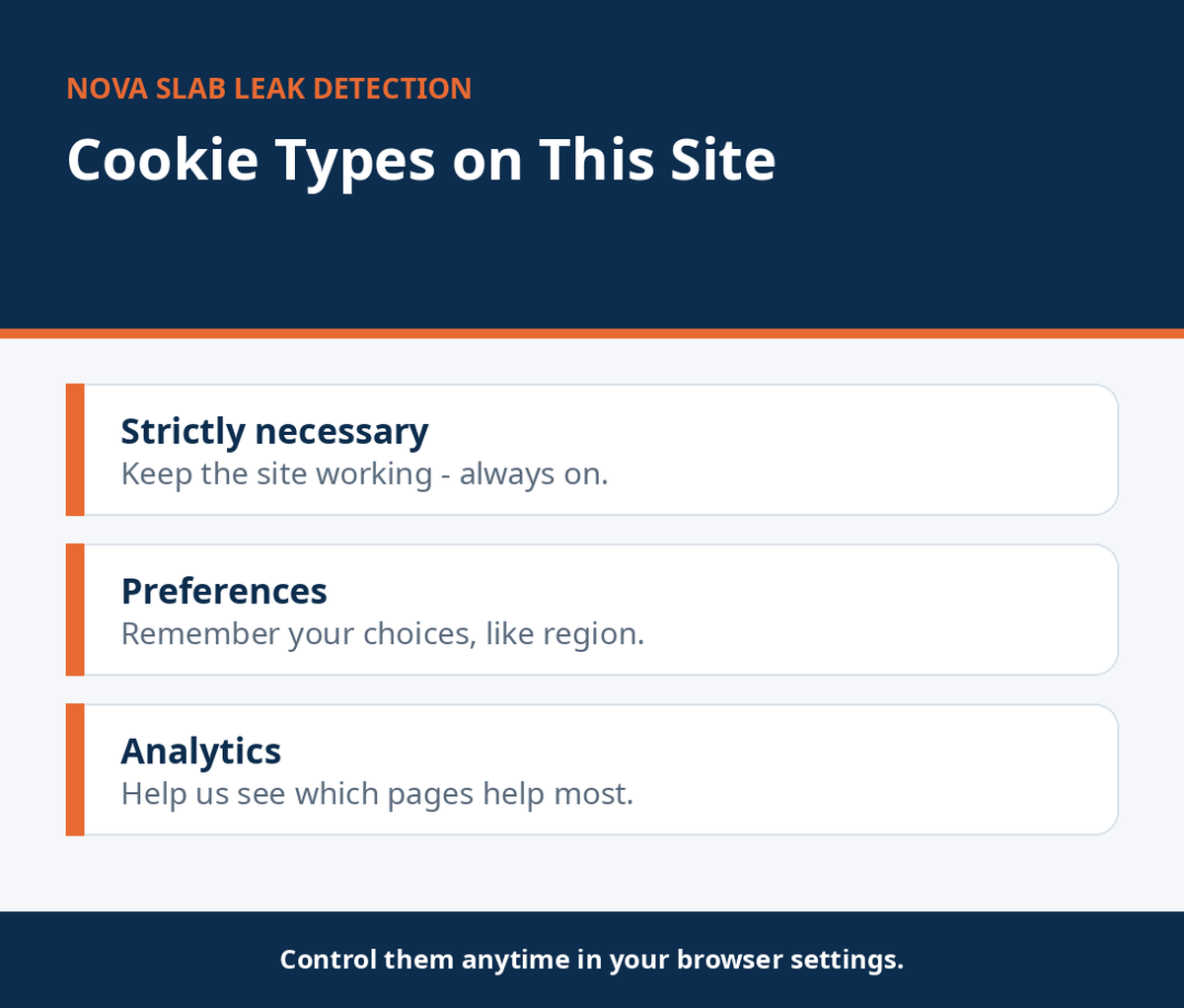
To keep the site running right. To recall small picks you make. To learn which pages aid folks most.
We keep it light. No ad trackers. No cross-site spying. Learn what Nova is.
Lose the must-have kind and pages may not load right. Forms may fail. Safety checks may trip. They are the quiet crew that holds the site up.
Do your cookies trail me round the web? No. Ours work just on our site. We buy no ad tech at all.
What Types of Cookies Are Used Here?
| Type | What it does | Example |
|---|---|---|
| Must-have | Keep the site safe and live | Guard checks, page loads |
| Choice | Recall your picks | Display settings |
| Stats | Tally visits in bulk | Which pages get viewed |
We use few of each kind. Never more than the job needs.
How Long Do Cookies Last?
Most of ours die with the session. Shut the tab and they are gone. Choice cookies may live up to a year. Stats cookies age out in months. We set short lives on purpose.
Short lives mean less trail. That is how we like it.
What If You Share a Device?
On a shared PC, your picks may show for the next user. Clear cookies when you log off. Use private mode for added care. This holds for any site, not just ours.
It takes ten seconds. It is good hygiene.
Who Sets These Cookies?
We do. Our own site plants them. Our stats tool plants a couple more.
No ad firms. No data brokers. No outside trackers sneak in. Our stats tool is set to hide IPs. It counts heads, not names. That is by design.
Can others read our cookies? No. They are locked to our site. No one else can open them.
How Can You Control Cookies?
You run the show. Each top browser lets you steer them:
- Open Settings in your browser.
- Head to Privacy or Cookies.
- Pick block, clear, or allow.
- Save, then reload the page.
Fast paths: Chrome — Settings, then Privacy and security. Safari — Settings, then Privacy. Firefox — Settings, then Privacy and Security. Edge — Settings, then Cookies and site permissions.
You can also use private or incognito mode. It wipes session notes on close. It does not hide you from your net firm. But it keeps a shared PC clean.
For wider web safety tips, the FTC shares free advice.
Will blocking break the site? No. Read the next part for what shifts.
What Happens If You Turn Cookies Off?
The site still loads. Core pages still work. But your picks won’t stick. And your stay won’t tally in our stats. That is your call to make.
Some may like it that way. We hold no grudge. Must-have cookies are the odd case: some sites need them to load. Ours does not. We built it to run clean. The phone still works fine: (833) 542-3027.
When Does This Cookie Policy Change?
We may amend this page. Updates go live here. Big ones earn a clear note on the page.
Keep using the site and you take the new text. Check back at times.
Where Can You Learn More?
Read our privacy policy. It spans all your facts, not just cookies. Your browser’s help pages show exact steps too. They update often; ours stay broad on purpose. Queries? Call (833) 542-3027. Or head back home any time.
FAQs
What is a cookie in plain terms?
A tiny note your browser keeps for a site. It recalls you on your next stay.
Must I take cookies here?
No. The site runs either way. Some extras just won’t recall you.
Do you run ad trackers?
No. Zero ad tech. Just the three kinds in the table above.
How do I wipe cookies I hold now?
Use your browser’s clear-data tool. Each browser has one; steps shift a bit.
Will the site still run with cookies off?
Yes. Main pages load fine. Saved picks just won’t stick.
Where do I read on my other data rights?
On our privacy policy page. Or call (833) 542-3027, free, 24/7.
Do cookies hold my name?
A few might, if you shared it in a form. Most hold random IDs. Ours hold no card facts.
Can I opt out of stats cookies?
Yes. Block them in your browser settings. The site still runs fine.